
How to draw, type, or upload your signature
Updated 7 months ago
Browse All
When a document requires your signature, you can draw it by hand, type your name, or upload an image. Here's how each method works.
Prerequisites
- A signing link (received via email or shared link)
Steps
Open the signing form
Click the link in your email or paste the signing URL into your browser. The document appears with your assigned fields highlighted.

Draw your signature
The signature canvas is the default input method. Use your mouse, finger, or stylus to draw directly on the white canvas. Click Clear to start over.

Type your signature instead
Click Type in the top-right corner of the signature panel. Enter your name in the text field. It renders on the canvas in a handwriting-style font.
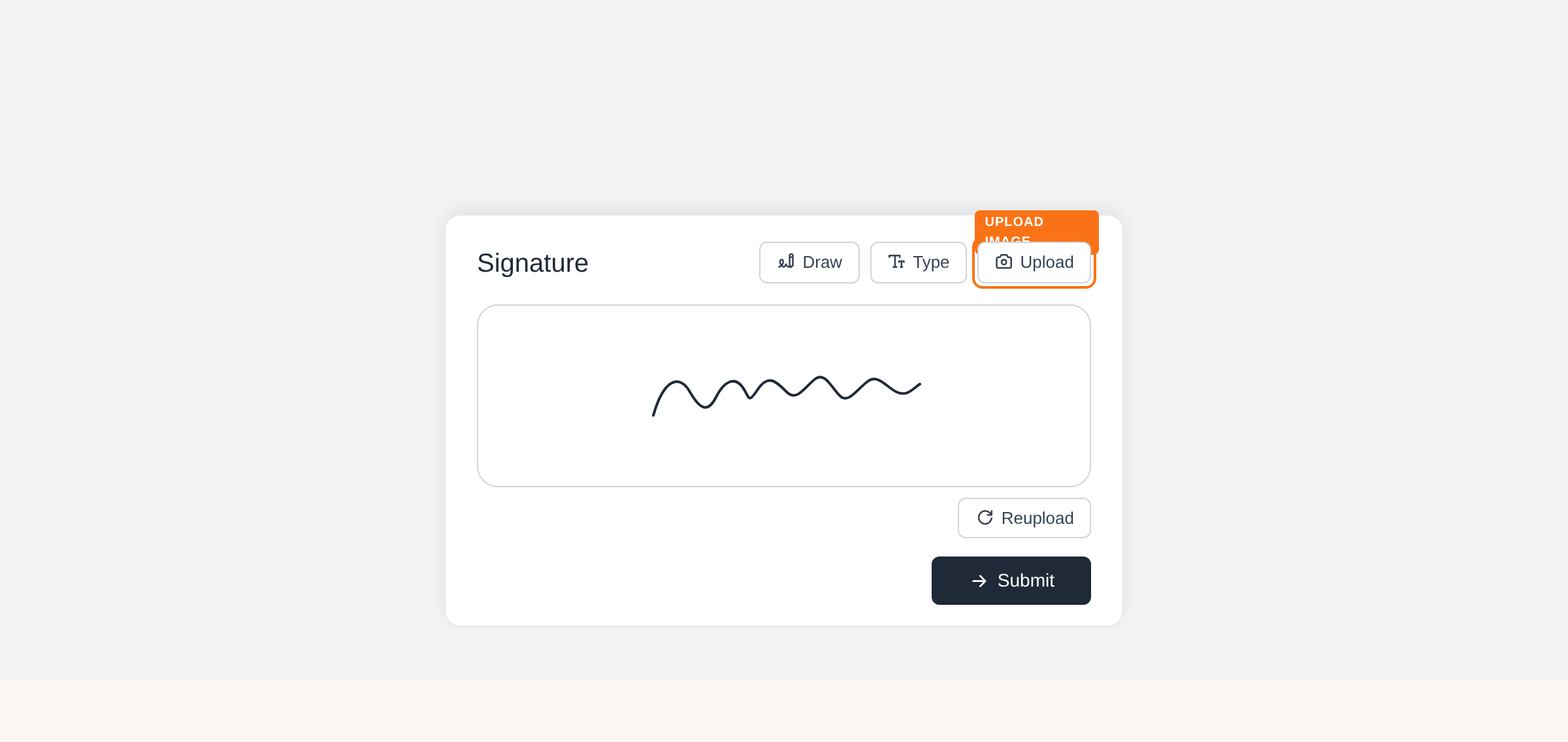
Upload a signature image
Click Upload in the top-right corner. Select an image file from your device (PNG, JPG, etc.). The image is drawn onto the canvas automatically.
Redo your signature
After drawing, typing, or uploading, click Redraw (or Reupload) to clear the current signature and start fresh with any method.
Submit the form
Click Submit to save your signature and advance to the next field. If this is the last field, click Complete to finish signing.
Tips
- On desktop, a QR code button lets you scan and draw your signature on a phone's touchscreen instead.
- If your name was provided when the document was sent, the Type method pre-fills it automatically.
- The signature canvas auto-sizes to your browser window. Resize if you need more drawing space.
- Signatures that are too small or too simple will be rejected — draw clearly.
Summary
Use Draw, Type, or Upload to add your signature. Switch between methods at any time using the buttons above the canvas, then submit.
Was this article helpful?
Generated by supportpages.io, automating product documentation from your codebase.
Have a question?
Search our articles, or ask and get an answer straight away.