
How to bulk-send a document to a list of recipients at once
Updated 7 months ago
Browse All
Send the same document to many people at once by pasting emails, adding recipients individually, or uploading a CSV list.
Prerequisites
- A DocuSeal account
- At least one template created
- Recipient email addresses or a CSV file
Steps
Open the Add Recipients modal
Go to your template page. Click + Add Recipients in the Submissions section.
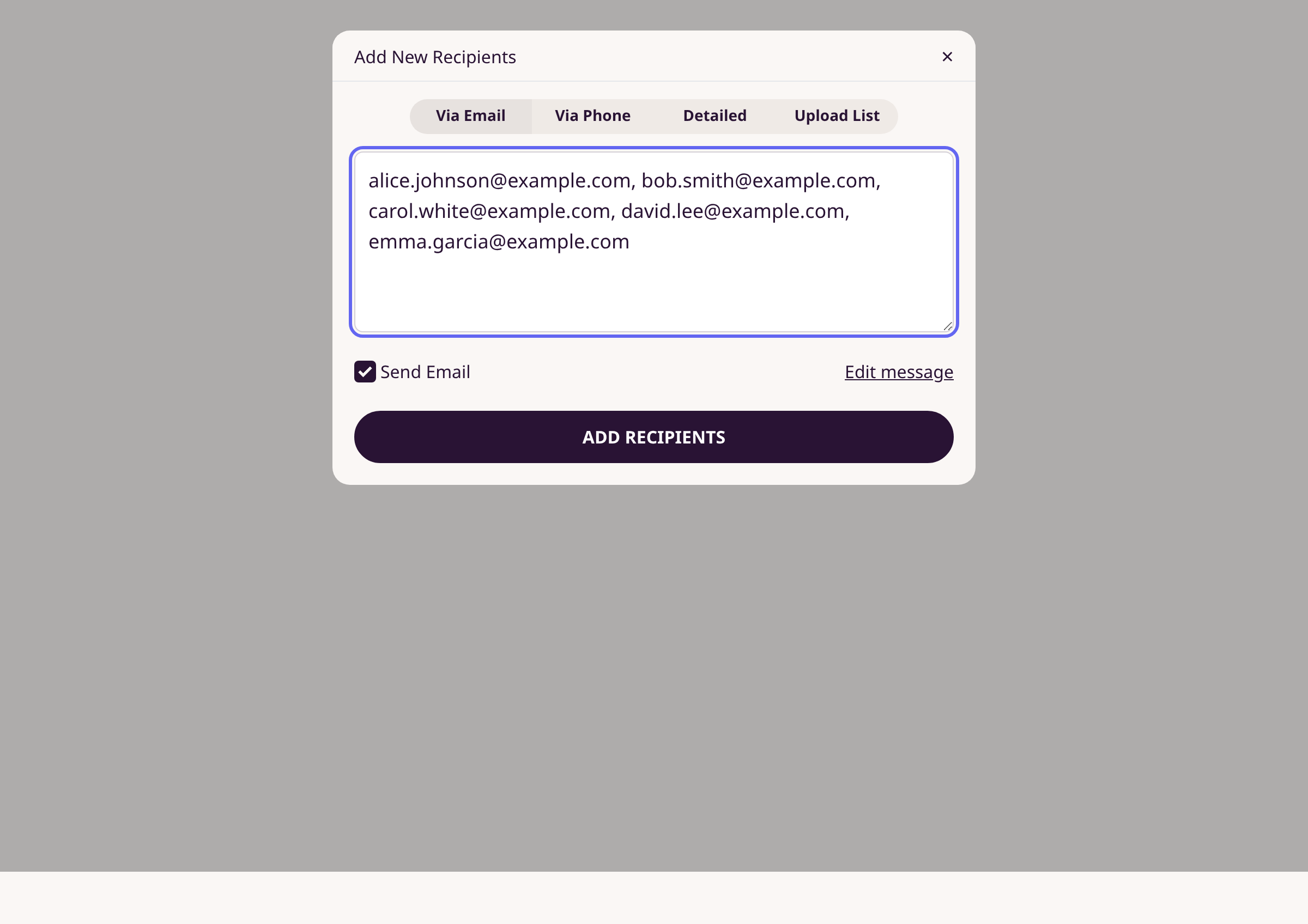
Option A: Paste multiple emails
On the Via Email tab, type or paste multiple email addresses into the text area. Separate addresses with commas, semicolons, or new lines. Check Send Email and click Add Recipients.
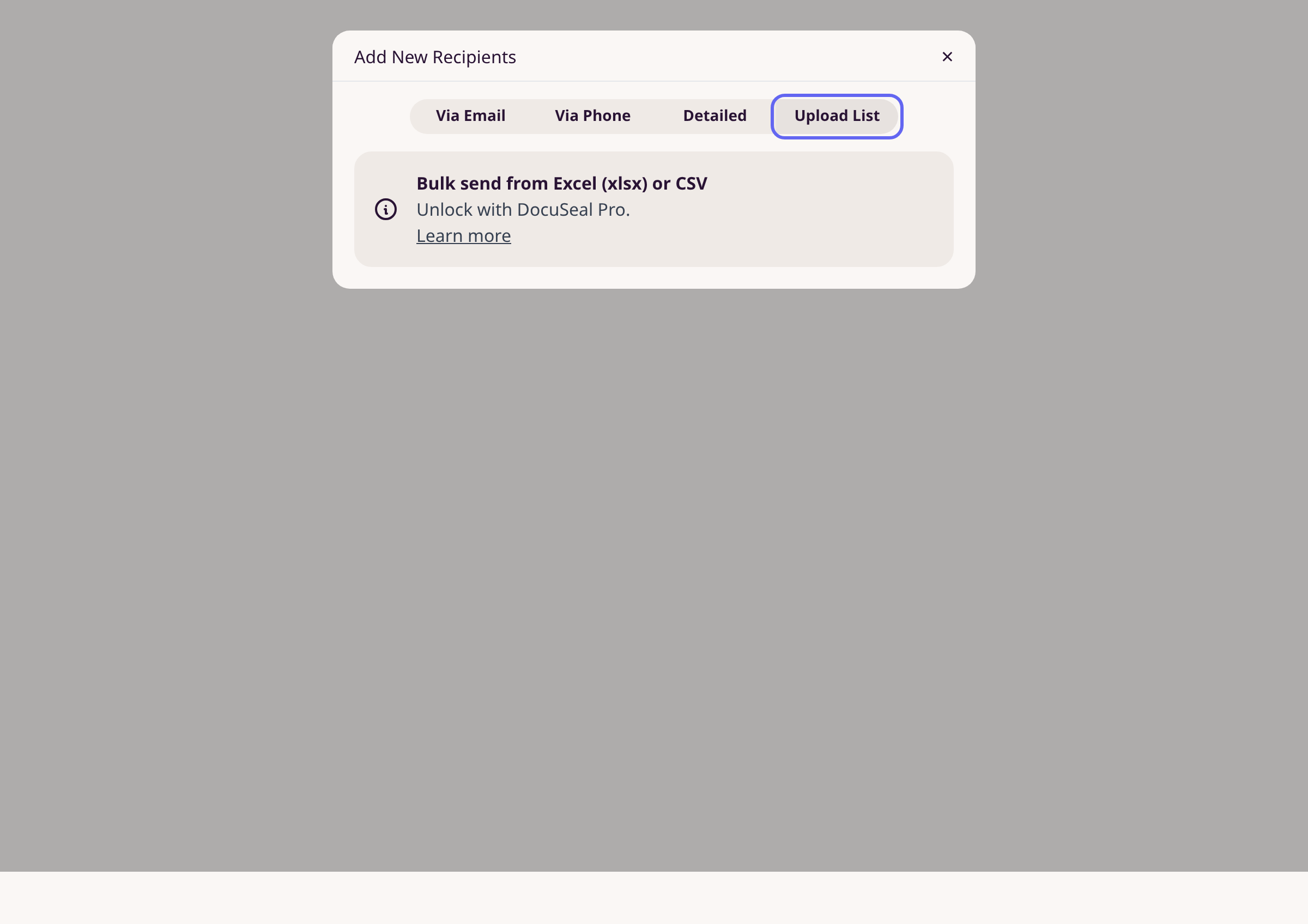
Option B: Upload a CSV list
Click the Upload List tab. Upload a CSV or Excel (.xlsx) file containing recipient emails. Each row creates a separate submission. This feature requires DocuSeal Pro.
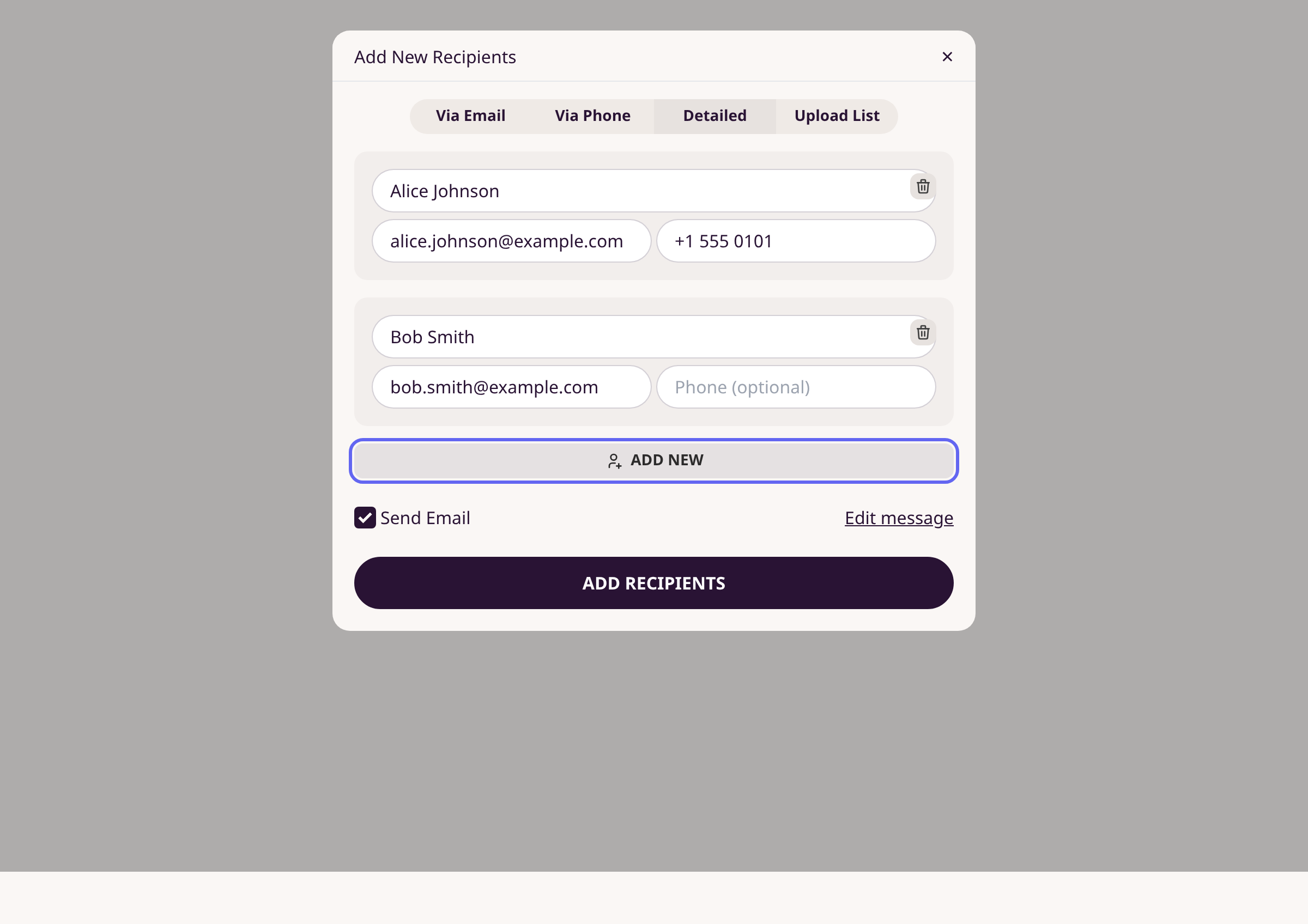
Option C: Add recipients with details
Click the Detailed tab to enter name, email, and phone for each recipient. Click + Add New to add more rows. Fill in each recipient's information, then click Add Recipients.
Confirm submissions were created
After clicking Add Recipients, you return to the template page. A confirmation message appears. Each recipient shows in the Submissions list with Pending status.
Tips
- In the Via Email tab, you can paste a column of emails directly from a spreadsheet.
- Click Edit message to customize the email subject and body before sending.
- The Detailed tab lets you pre-fill phone numbers and names alongside email addresses.
- Use the Via Phone tab to send signing links by SMS instead of email.
Summary
Paste comma-separated emails, use the Detailed tab for name/phone info, or upload a CSV file to send a document to many recipients in one action.
Was this article helpful?
Written with supportpages.io. More on documentation automation on our blog.
Have a question?
Search our articles, or ask and get an answer straight away.